
Introducing CardMirror
A free, cross-platform, modern replacement for Word, fully compatible with Verbatim
CardMirror is a free text editor that works on any computer and is built from the ground up to be the perfect Microsoft Word replacement for policy debate. It is the culmination of a decade-long, obsessive effort to create the perfect debate workflow in a form that can run anywhere, not just desktop Mac or Windows, available for free.
To install the desktop app, grab the latest release from here (.exe for Windows, universal.dmg for Macs, and the AppImage or AUR for Linux). Try out the web version here. Read the full user manual here. The open source code for the project can be found here. Video walkthroughs can be found here.
CardMirror replaces the stylepox cleaner, advanced verbatim template, Block Search, and automatic cite processing.
Why Did I Make This?
- I am a perfectionist, to a fault. I find even small inefficiencies that slow me down on an action that I perform many thousands of times a year chafing. This personality flaw of mine has already driven me to spend enormous time tweaking Verbatim to work exactly the way I want, and even more time building tools that close gaps Verbatim can't or won't reach.
- Unfortunately, Verbatim is fundamentally limited by its foundation: visionary though it is (CardMirror has copied nearly all of Aaron Hardy's key design decisions!), it is imprisoned by architecture and rendering decisions made by Microsoft.
- This problem is particularly bad on MacOS. Although Verbatim 6 achieved MacOS feature parity, Mac Word itself is so compromised that any veteran will tell you they find it somewhere from constraining to unusable. Linux, ChromeOS, Android, and iOS can't currently benefit from Verbatim's features at all.
- Past efforts have tried to get around these problems, but most sink at the same step: when you try to improve on a standard by creating a new standard, you just end up with two conflicting standards.
Any real solution to this problem must be:
- Seamless. Perfect, zero-hassle interoperability with Verbatim. Two teammates should be able to work together, completely unaware they are using different software.
- Fast. Nothing is more annoying than sluggish software interrupting your flow state.
- Functional. Perfect parity in Verbatim's essential features.
- Accessible. Match Microsoft Word's class-leading accessibility features.
CardMirror delivers on these requirements and goes much, much further.
Why switch?
CardMirror is:
- Fully Verbatim-compatible. You can open and save
.docxfiles. Verbatim users who open files you save as.docxwill see the Debate ribbon. - Totally cross-platform. Run the same editor on Windows, Mac, Linux, or even in your browser. If you are on a Chromebook, you no longer have to wrestle with Google Docs.
- Free to use. It's not a Word add-in; you don't need to pay for Microsoft Office. Paid AI and translation features are totally optional, and the money doesn't go to me. Only the few features that require server upkeep - live collaboration and card sharing - require a paid Debate Decoded membership.
- Natively collaborative. Multiple people can collaborate on the same document in real time, right in the editor. Debaters and coaches can send each other cards right in the app, without round tripping through the file system and a separate messaging app.
- Blazing fast. Your largest files will scroll smoothly. Web view won't randomly break and cover chunks of your document with white blots until you quit and restart the program. Clicking on the nav pane in large docs navigates instantly. Open your team's largest file and run the benchmark in settings to see for yourself.
- Immune from StylePox. CardMirror literally cannot produce documents with nonstandard styles. If you know, you know.
- Accessible. Change every color according to your needs. Navigate the editor and perform basic editing actions using your voice, without using a keyboard or mouse.
With CardMirror, you can:
- Actually use - and undo - read mode. It's a proper toggle that works on large files and won't crash your computer.
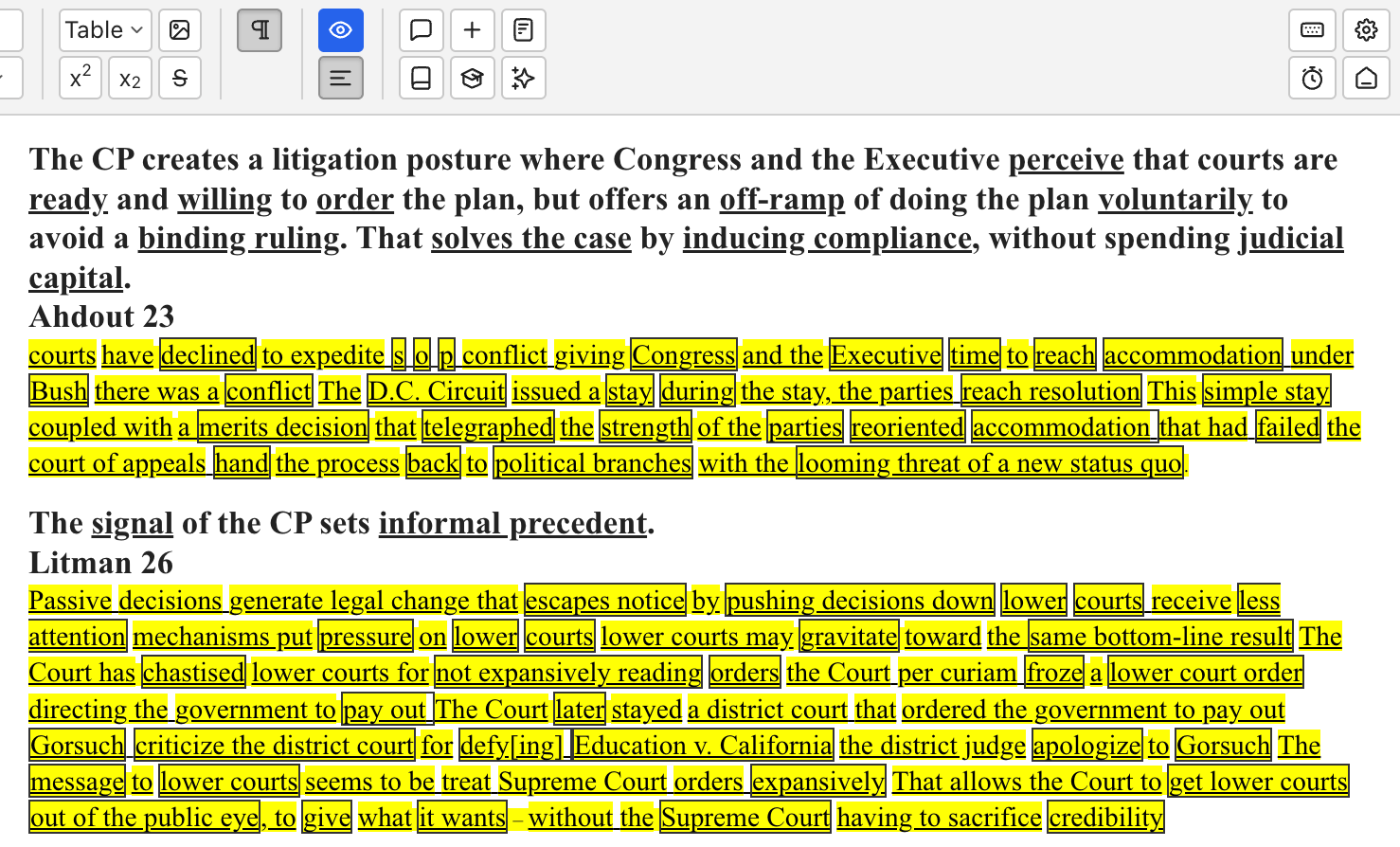
- Time your speeches without reading them. Get live-updating read time estimates for the whole document or just your selection based on your reading speed in words-per-minute.
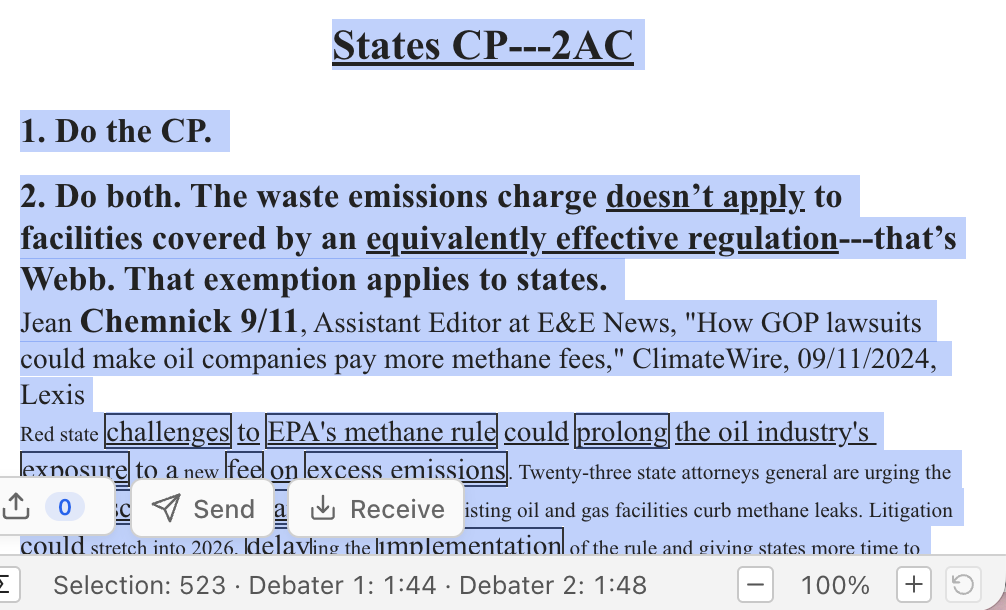
- Run any command on just your selection. Standardize highlighting and its peers can operate on only the text you selected, instead of the entire doc, if you want.
- Multi-task natively. Work with lots of docs in one window. See all of their nav panes at once, in a stack on the left so they don't use up your limited screen space.
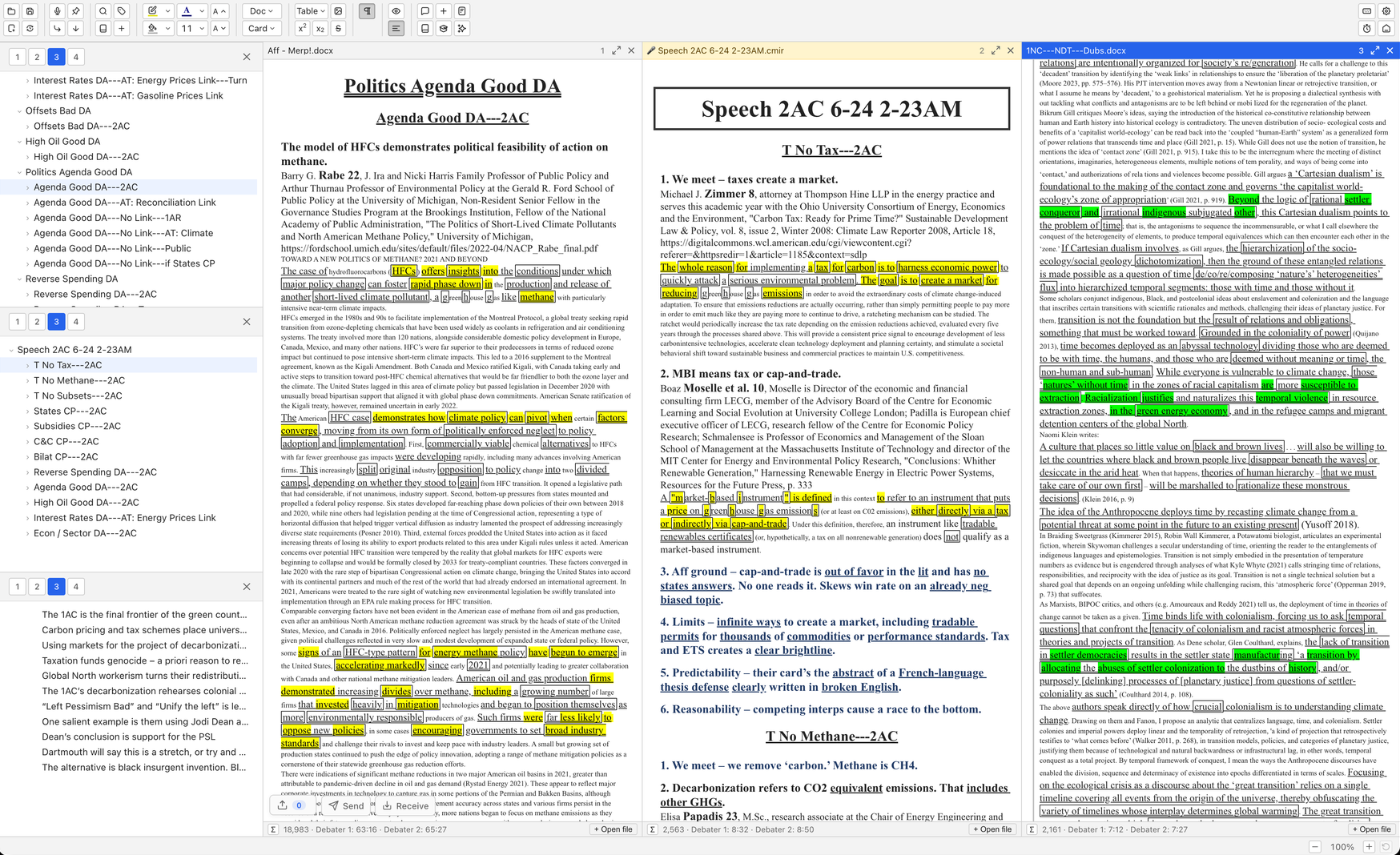
- Click and drag, on steroids. Drag headers around in the nav pane. Select and move multiple headers in the nav pane at once. Drag from the nav pane to the editor and vice versa. When you have multiple docs open in one window, click and drag operations work between docs; drag headings from one nav pane to another or from one doc to another.
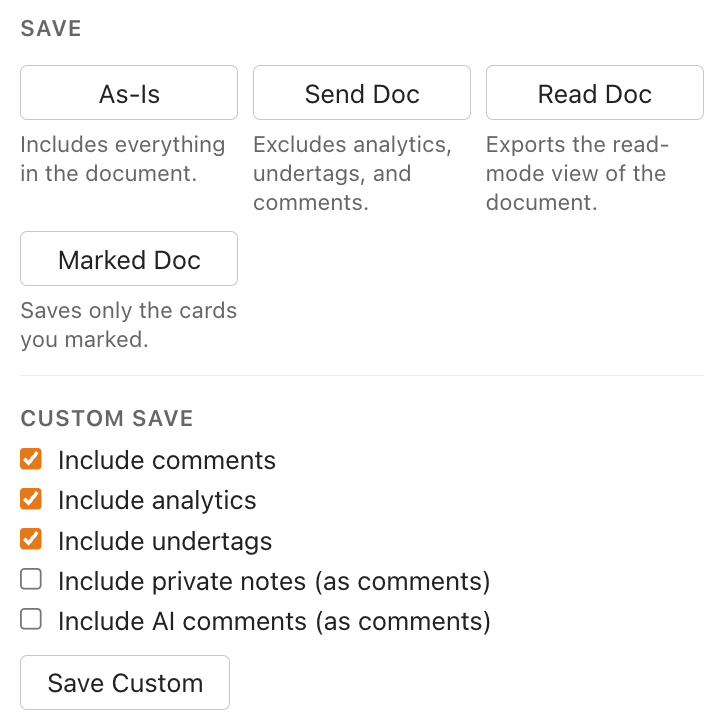
- Create send docs natively. Send as much or as little as you want, directly from the 'Save As' menu.
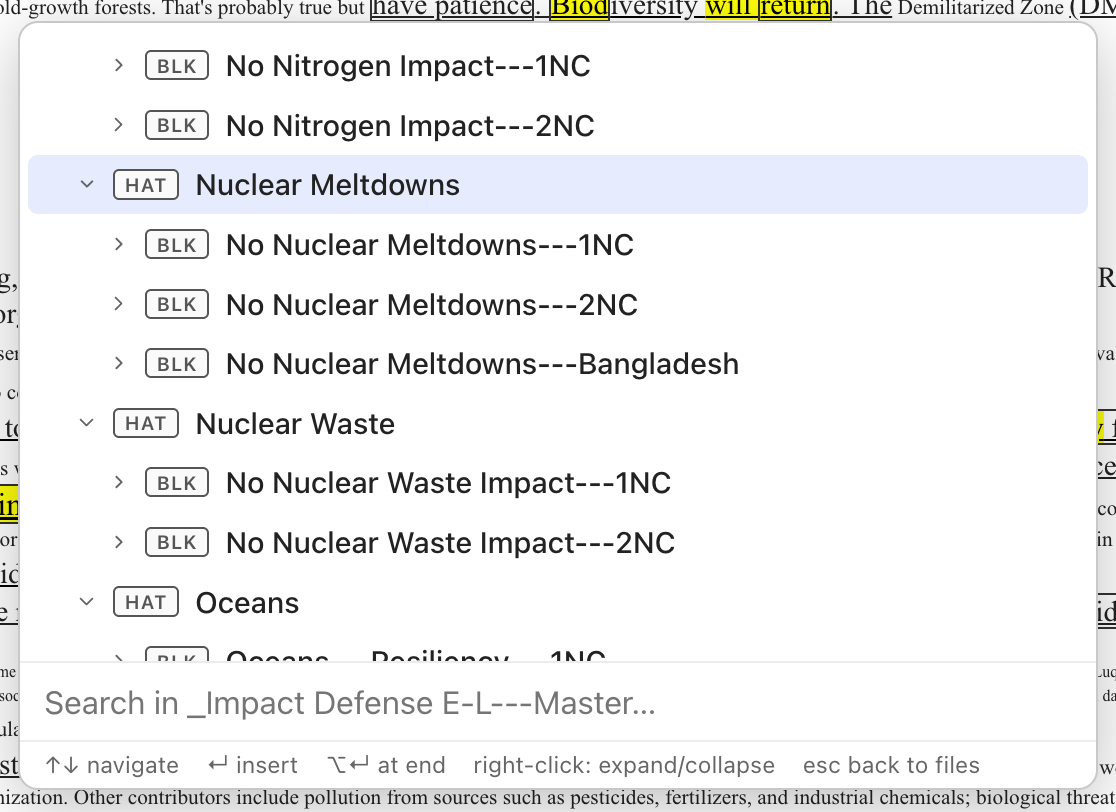
- Search within your files. Search your files by name from within the app. Hit
tabto peek inside your file and grab just what you need, without even opening it. No more lighting prep on fire waiting for your impact defense file to open.
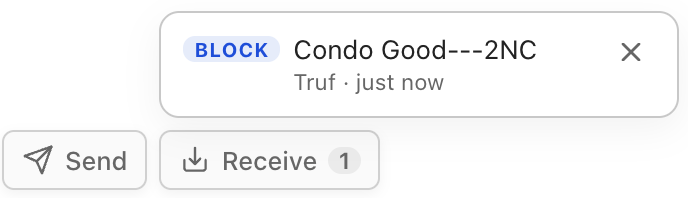
- Send stuff to your partner. Pair your editor to theirs, then just drag cards or blocks onto their name. Your cards or blocks will appear on their computer.
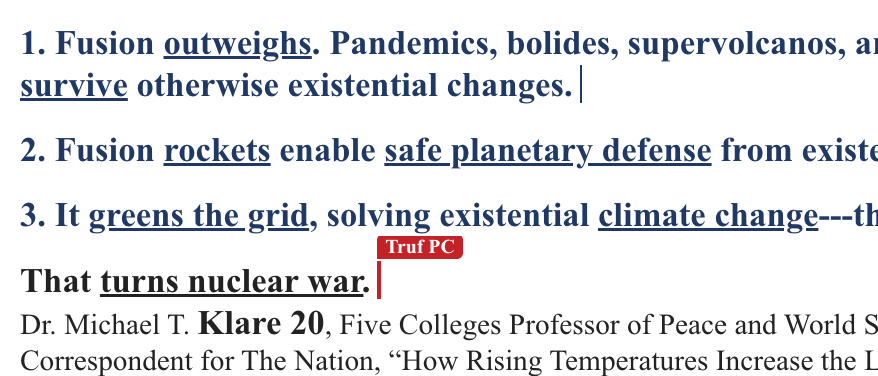
- Work on documents together. Teams and partnerships can collaborate on the same documents. No need to burn limited prep time or pre-tournament time compiling people's work.
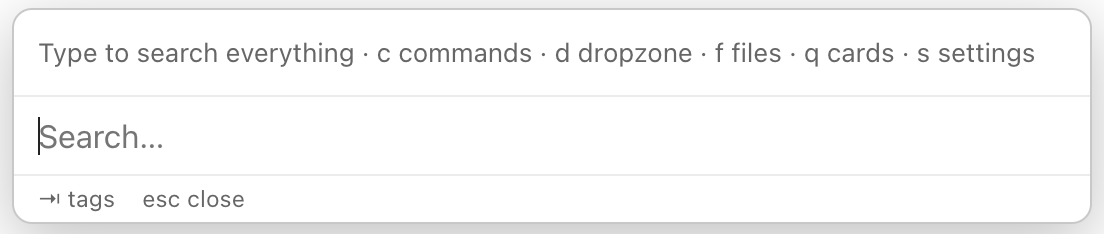
- Trigger any command by typing it. Settings, Verbatim-style Quick Cards, files, or commands can all be reached by searching in the command bar (
Ctrl+Shift+Space).
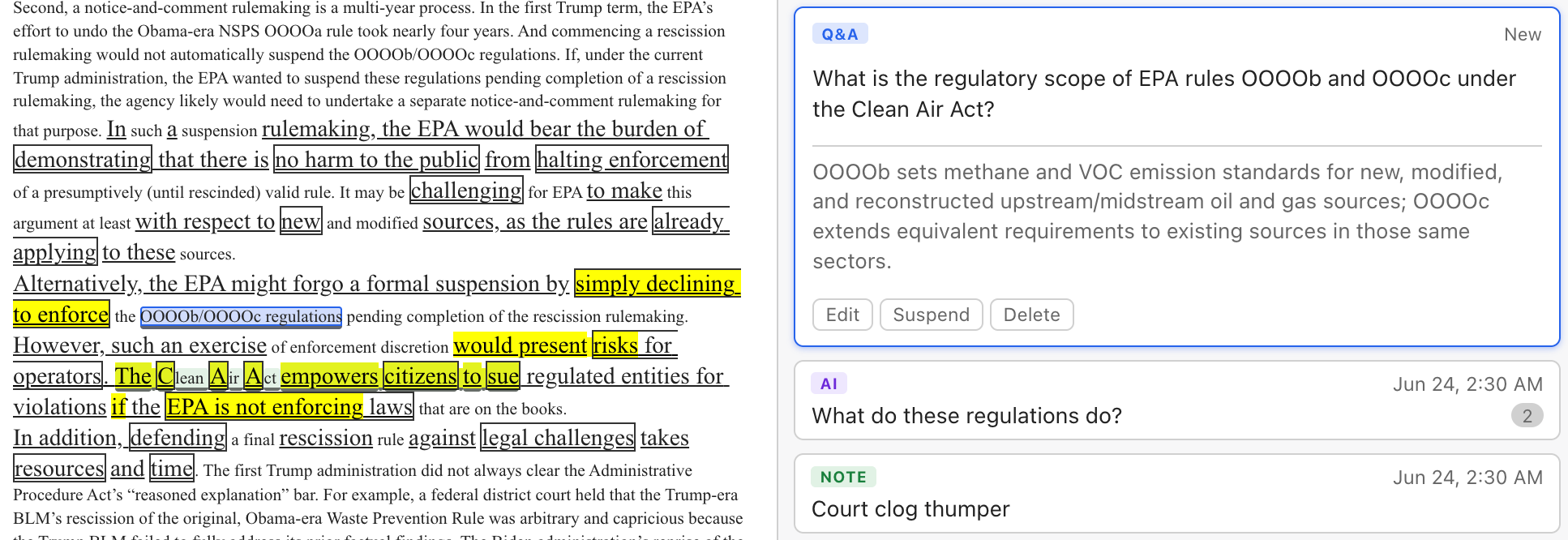
- Study your files. Leave comments that are shared with others - just like Word. Or, take private notes that persist in your document but never get shared. Or, go even further: create and study flash cards grounded in your files and presented for review on a research-backed spaced-repetition cadence designed for long-term retention.
- Use natively supported "analytic" and "undertag" styles. No need to hack them in after the fact.
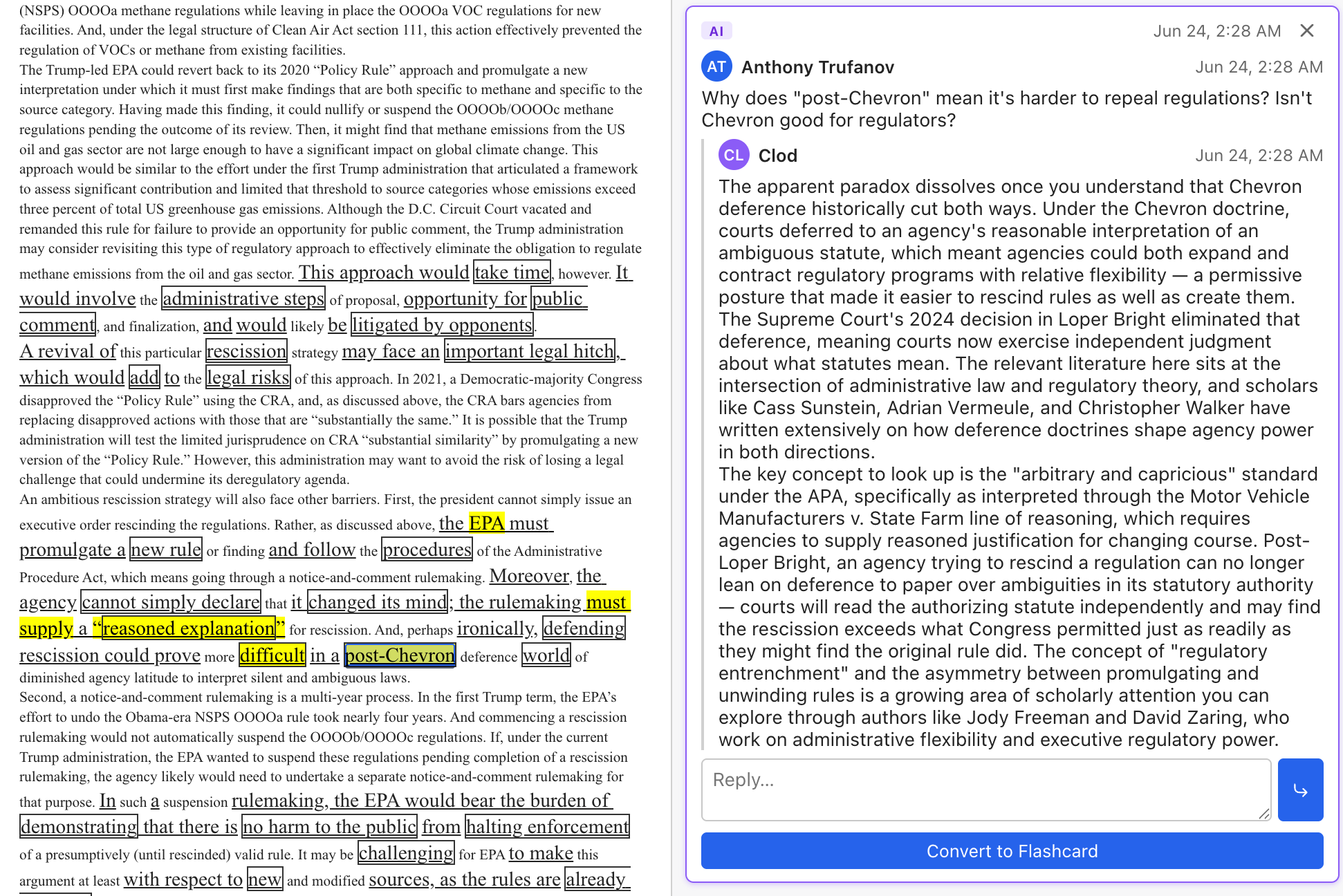
- Use AI to elevate, not replace your thinking. AI features will answer your questions using context from the file, help you craft flash cards based on your file, write alt text for pictures or convert pictures of tables into actual tables, repair cards with broken formatting, format cites according to your specifications, and translate text. AI will not cut your cards or write your blocks. AI features can be fully disabled; it won't hog your ribbon or your buttons against your will.
- Customize everything. Change any color in the interface, configure the behavior of many commands, rebind any operation to a keyboard shortcut of your choice.
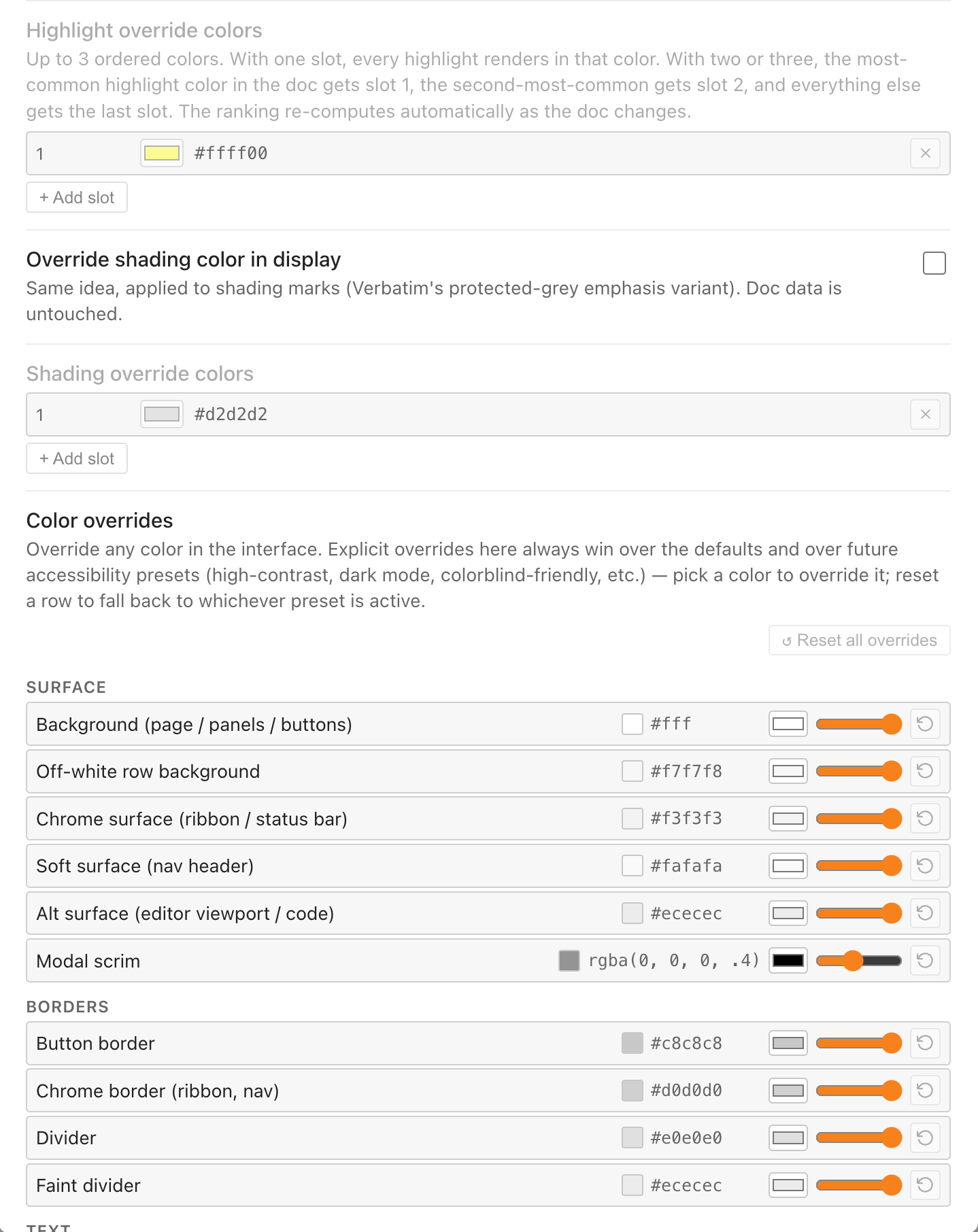
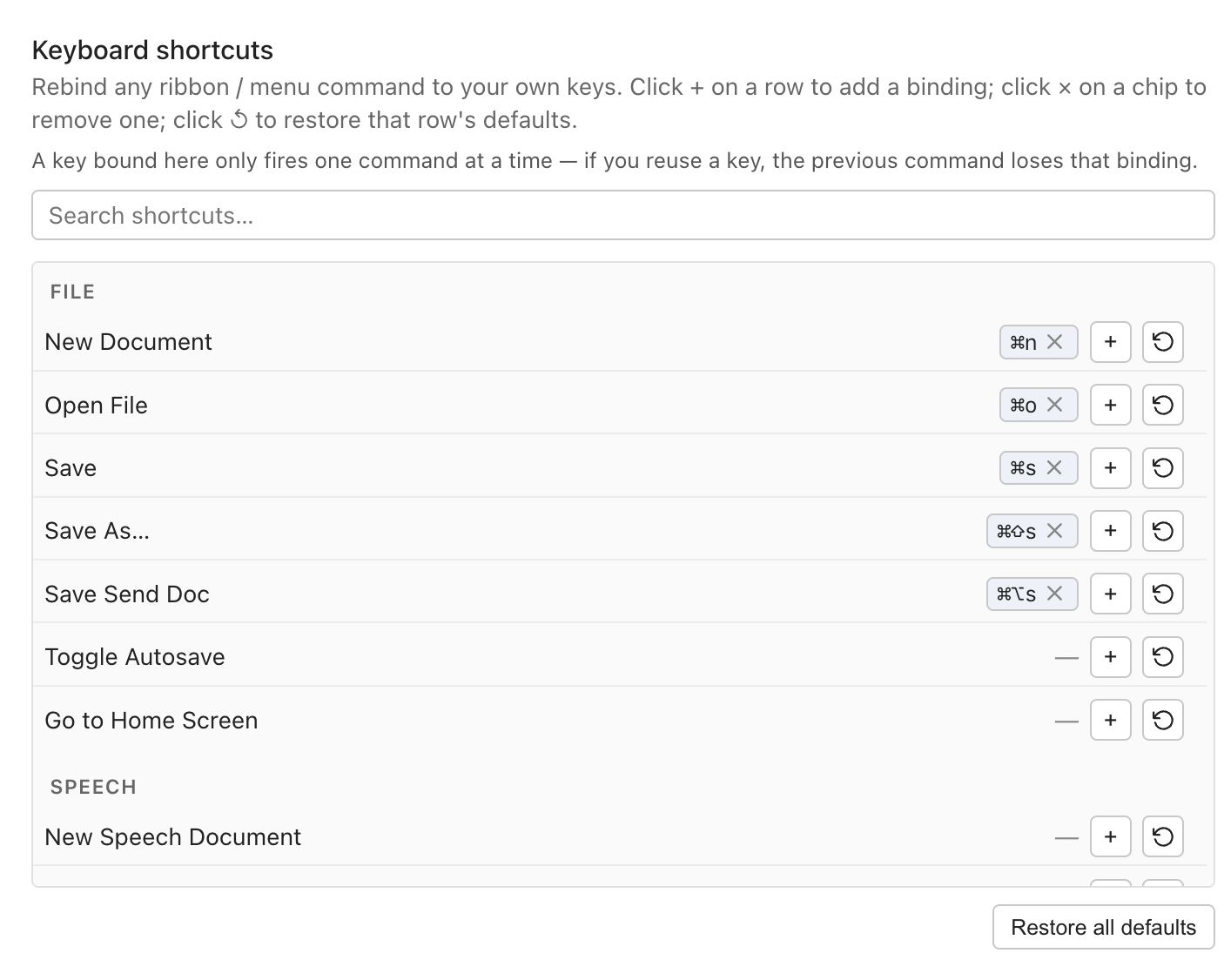
Customize everything!
Acknowledgements
CardMirror could not have happened without:
- Aaron Hardy and Verbatim, which established the basic design conventions for paperless debate and drove most of the key UI/UX decisions for this project;
- Marijn Haverbeke and the ProseMirror project, the open source text editor framework on which CardMirror is built;
- Slim Lim, text editor wizard who consulted on most major aspects of the design and steered me away from countless mistakes;
- Talon, Cursorless, Pokey Rule, and others in the hands-free-editing community, whose ideas shaped and are continuing to shape the still-in-development voice editing interface;
- Dozens of early testers who provided invaluable feedback and even prototyped some key features (special shoutout to Q Cooper and the Missouri State debate team!);
- The subscribers of Debate Decoded, without whom I wouldn't have the latitude to spend multiple months working projects like this one. If you'd like to support this project, the best way to do that is to subscribe to this site.
Thank you all!